

Start here
What a Home Tech Ecosystem Actually Is
Next
The Communication Protocols Your Devices Use
Then
Smart Hubs and App Platforms: The Translators in the Middle
Dig deeper
Why Devices Sometimes Don't Work Together
Apply it
Practical Steps to Build a More Connected Home
What a Home Tech Ecosystem Actually Is
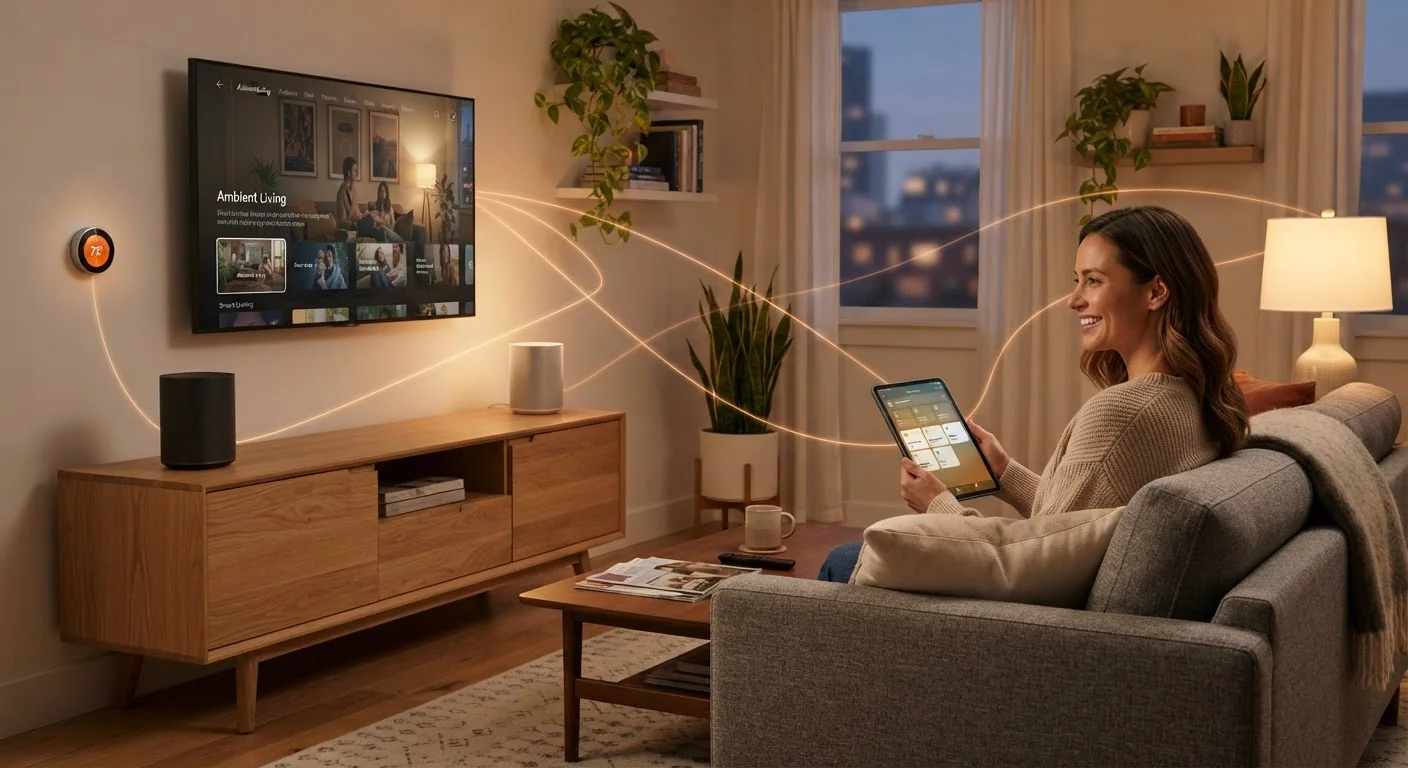
The phrase home tech ecosystem sounds technical, but it describes something most households already have: a group of devices that are meant to work together. Your smartphone, smart TV, wireless speaker, and thermostat are all potential members of the same ecosystem - they just need the right conditions to coordinate effectively.
Think of the ecosystem less like a single product and more like a language community. Every device needs to speak at least one common language with the others, and something - a hub, an app, or a shared standard - needs to interpret when they don't natively match. The quality of your underlying internet connection is what keeps that community running. For a grounding on the service that powers it all, see our explanation of home internet connection types.
Wireless protocol
A set of rules that determines how two devices send and receive signals wirelessly. Devices must share a protocol - or use a hub that translates between them - to communicate.
Smart hub
A physical device that connects gadgets using different wireless protocols and routes their communication through a single app or interface.
Mesh network
A system of multiple network nodes that work together to provide Wi-Fi coverage across a larger area, with devices seamlessly handing off between nodes.
Matter
An open smart home standard supported by major tech companies that allows certified devices to work across different brand ecosystems without compatibility barriers.
2.4 GHz vs. 5 GHz
Two radio frequency bands used by Wi-Fi routers. The 2.4 GHz band has longer range and better wall penetration but slower speeds; 5 GHz is faster but shorter range. Many smart home devices only support 2.4 GHz.
Ecosystem lock-in
When a device is designed to work only within one manufacturer's platform, limiting your ability to integrate it with other brands' systems.
The Communication Protocols Your Devices Use
Most people assume all smart devices connect via Wi-Fi. In reality, four main wireless protocols divide the smart home world:
- Wi-Fi - High bandwidth and long range within your home. Used by streaming devices, smart TVs, and cameras. Draws more power, which is why it's less common in battery-operated sensors.
- Bluetooth - Short range (typically up to 30 feet), low power. Ideal for speakers, wearables, and devices that pair directly to a phone. Bluetooth Mesh extends this for networks of smart bulbs or sensors.
- Zigbee - A low-power, mesh-capable protocol widely used in smart bulbs, door locks, and sensors. Devices relay signals to each other, extending the network's reach without depending on Wi-Fi.
- Z-Wave - Similar to Zigbee but operates on a different radio frequency and is common in security systems and smart locks. Its dedicated frequency reduces interference from Wi-Fi.
A newer entrant, Matter, is an open standard backed by major technology companies that allows certified devices to communicate across different platforms - a meaningful shift for anyone frustrated by brand-locked gadgets.
Smart Hubs and App Platforms: The Translators in the Middle
When your devices use different protocols, a smart hub bridges the gap. A hub is a physical device that speaks multiple wireless languages - it might connect to Zigbee bulbs and Z-Wave locks simultaneously, then relay all of that through your Wi-Fi network to a single app on your phone.
Software platforms serve a related but distinct role. These are the apps or voice-assistant ecosystems (such as those offered by major consumer technology platforms) that let you control devices through one interface. The important distinction: a platform doesn't always replace a hub. A Zigbee bulb still needs a Zigbee-capable hub to communicate with a software platform that only understands Wi-Fi.
Check the Protocol Before You Buy
Before adding a new smart device, confirm which wireless protocol it uses and whether your existing hub or platform supports it. This single check prevents the most common compatibility problems. Look for this information in the product's technical specifications, usually listed under 'Connectivity.'
Getting your router placement and network architecture right is a prerequisite for any of this to work reliably. If you're dealing with dead zones or dropped connections, read our guide on extending Wi-Fi coverage throughout your home before adding more connected devices.
Why Devices Sometimes Don't Work Together
Compatibility failures follow a predictable pattern. The three most common causes are:
- Protocol mismatch - A device uses Zigbee but your hub only supports Z-Wave. Neither can hear the other.
- Ecosystem lock-in - Some manufacturers design devices that only function fully within their own app platform, intentionally limiting third-party integration.
- Network configuration issues - Many smart devices require the 2.4 GHz Wi-Fi band and will not connect to a 5 GHz-only network or a network with certain security settings enabled.
The 2.4 GHz Band Requirement
A significant number of smart home devices - particularly budget-friendly sensors, plugs, and bulbs - only support the 2.4 GHz Wi-Fi band. If your router broadcasts a combined or 5 GHz-only network, these devices may appear to fail during setup even though nothing is broken. Most modern routers allow you to enable and label both bands separately in their settings.
Understanding these failure modes before purchasing saves significant frustration. The Matter standard directly addresses ecosystem lock-in by requiring certified devices to work across participating platforms - something worth checking for on product packaging. You can also improve how your existing devices behave by reviewing settings you may have overlooked; our walkthrough of overlooked tech settings covers practical adjustments that improve both performance and security.
Practical Steps to Build a More Connected Home
You don't need to replace everything to build a more cohesive ecosystem. A few targeted decisions go a long way:
- Audit your current devices. List what protocol each device uses. This single step reveals where you have gaps or conflicts.
- Choose one primary platform and buy devices compatible with it. Mixing platforms is possible but adds management overhead.
- Check for Matter certification on new purchases if you want flexibility across platforms long-term.
- Verify your router's band settings before connecting smart devices. Most smart home gadgets need the 2.4 GHz band available.
- Prioritize security from day one. Default passwords and unpatched firmware are the most common entry points for problems. Our article on keeping smart home devices secure after setup outlines what to do immediately after any new device is installed.
A connected home doesn't require the latest hardware - it requires understanding how your existing devices communicate and making deliberate choices when adding new ones. For a comprehensive look at the internet foundation underpinning all of this, our end-to-end home internet guide covers everything from connection types to troubleshooting.
Frequently Asked Questions
No. While many devices rely on Wi-Fi, others use Bluetooth, Zigbee, or Z-Wave to communicate. Some devices pair with a hub that connects to Wi-Fi, rather than connecting directly themselves. Check a device's specifications to see which protocol it uses.
A smart hub is a central device that links gadgets using different wireless protocols under one interface. You may need one if your devices use Zigbee or Z-Wave rather than Wi-Fi. Some modern platforms, like Google Home or Amazon Alexa, can act as software-based hubs for Wi-Fi devices.
Being on the same Wi-Fi network is necessary but not sufficient. Devices also need to share a compatible app platform or ecosystem. A device locked to one manufacturer's app often can't be controlled through a competing platform without additional integration steps.
Matter is an industry-wide connectivity standard designed to let smart home devices from different brands communicate without compatibility barriers. Devices certified for Matter can work across major platforms including Apple Home, Google Home, and Amazon Alexa, giving you more flexibility.
There is no universal number, since capacity depends on your router model and internet plan. Most modern routers handle 20-30 active devices reasonably well, but heavy users or large homes may see performance dips. A mesh Wi-Fi system can distribute load more effectively across many devices.
Connected devices can introduce security risks if left with default passwords or outdated firmware. Keeping devices updated and using strong, unique network passwords significantly reduces exposure. For a fuller security picture, see our guide on keeping smart home devices secure after setup.
The content on this site is provided for informational purposes only and should not be considered a substitute for professional advice. While we strive to provide accurate and up-to-date information, we make no guarantees regarding its completeness or accuracy. Always consult a qualified professional for advice specific to your circumstances before making any decisions.