

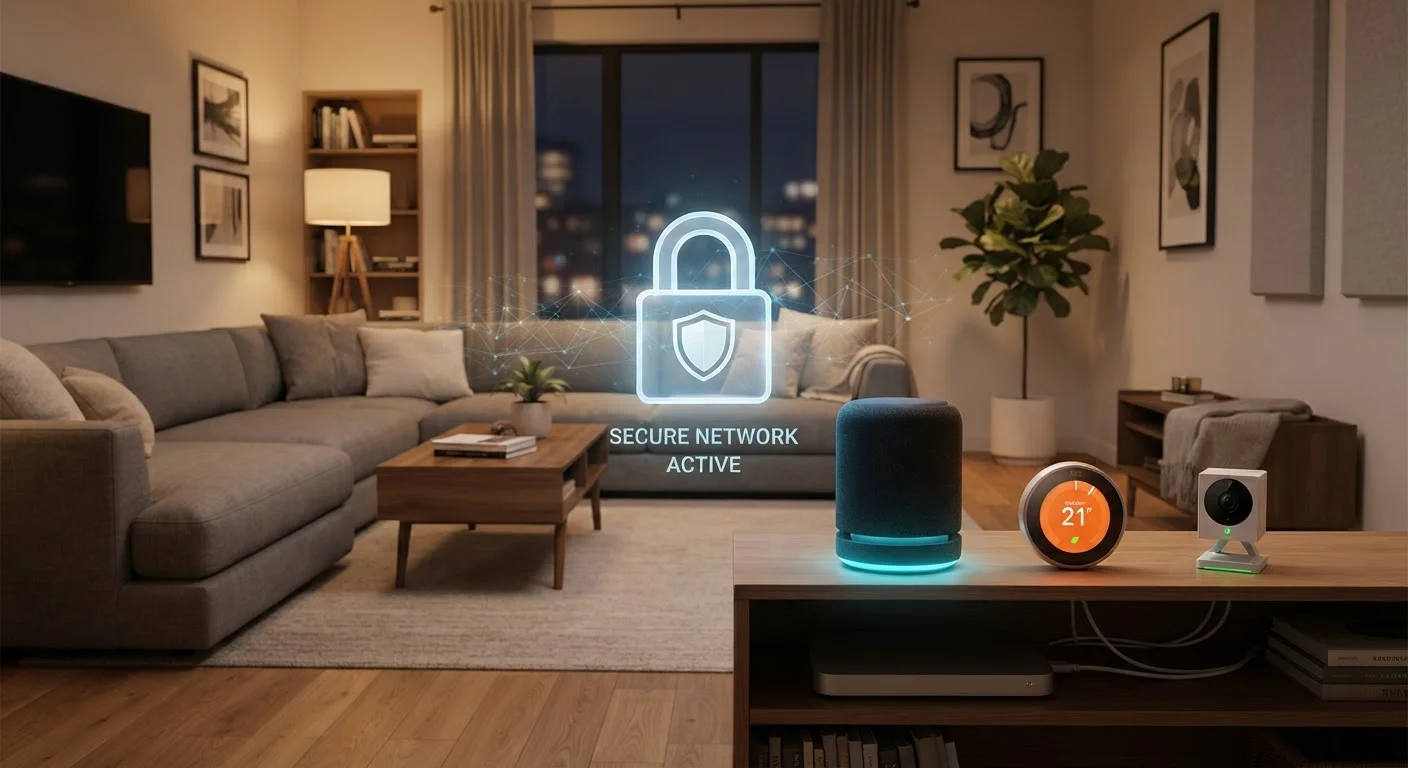
Why Post-Setup Security Is the Bigger Risk
When most people set up a smart home device, they focus on getting it connected and working. Security, if it comes up at all, feels like a one-time checklist. But the reality is that the majority of smart device vulnerabilities emerge after setup - often months or years later, when firmware goes unpatched or forgotten gadgets sit on the network with default credentials still in place.
Smart speakers, thermostats, cameras, doorbells, and plugs are all network-connected computers. Like any computer, they can develop software vulnerabilities over time, and manufacturers regularly release patches to address them. If those patches never get applied, your devices may be running code with known security flaws - and bad actors actively scan home networks for exactly that. Understanding how smart devices handle your data is a useful first step before diving into maintenance habits.
Enable automatic firmware updates on every smart device you own.
Firmware updates frequently contain security patches that address newly discovered vulnerabilities. Leaving a device on old firmware is one of the most common and preventable risks in a smart home. Many devices support automatic updates but don't enable them by default.
Replace default usernames and passwords on every device and linked account immediately.
Default credentials are publicly documented and among the first things automated scanning tools try when probing networks. Using a strong, unique password for each device and its associated app account removes one of the easiest entry points for unauthorized access.
Conduct a quarterly audit of every device connected to your home network.
Smart home setups grow over time, and devices accumulate - including ones that are rarely used or entirely forgotten. Each connected device is a potential entry point. Periodic audits let you identify and remove or disable devices that no longer serve a purpose.
Enable two-factor authentication on all accounts connected to smart devices.
If a password is exposed in a data breach, two-factor authentication (2FA) adds a second verification step that prevents unauthorized login even when credentials are known. Many smart home platforms support authenticator apps or SMS verification.
Disable device features you don't actively use, such as remote access or always-on microphones.
Every active feature on a smart device represents an additional potential access point. Limiting functionality to only what you genuinely use reduces what security researchers call the 'attack surface' - the number of ways a device can be reached or exploited.
Core Practices for Ongoing Smart Home Security
These aren't complicated changes. Most take only a few minutes but meaningfully reduce your exposure over the long run.
For a broader look at device settings that often get overlooked, see our guide on everyday tech settings most people never change.
Network Habits That Protect Everything Connected
Individual device settings matter, but the network those devices live on is equally important. A compromised device on your main Wi-Fi network could, in some scenarios, give an attacker visibility into other devices on the same segment - including your phone or laptop.
One widely recommended practice is to place smart home devices on a separate network - often called an IoT network or a guest network - that is isolated from your primary devices. Most modern routers support this configuration. You can find guidance on setting this up properly in our article on setting up a home internet connection. The core idea is simple: if a smart bulb or older camera is ever exploited, isolation limits how far the problem can spread.
Also consider what happens when you travel. Devices left active at home while you're away are still exposed. Review which remote-access features are truly necessary, and turn off those that aren't. Our guide to keeping devices safe while traveling covers related considerations for your data on the road.
This article is for general informational purposes only. Security recommendations evolve as threats change; consult your device manufacturer's support resources and your router documentation for guidance specific to your hardware.
The content on this site is provided for informational purposes only and should not be considered a substitute for professional advice. While we strive to provide accurate and up-to-date information, we make no guarantees regarding its completeness or accuracy. Always consult a qualified professional for advice specific to your circumstances before making any decisions.