

What Actually Happens When You Say the Wake Word
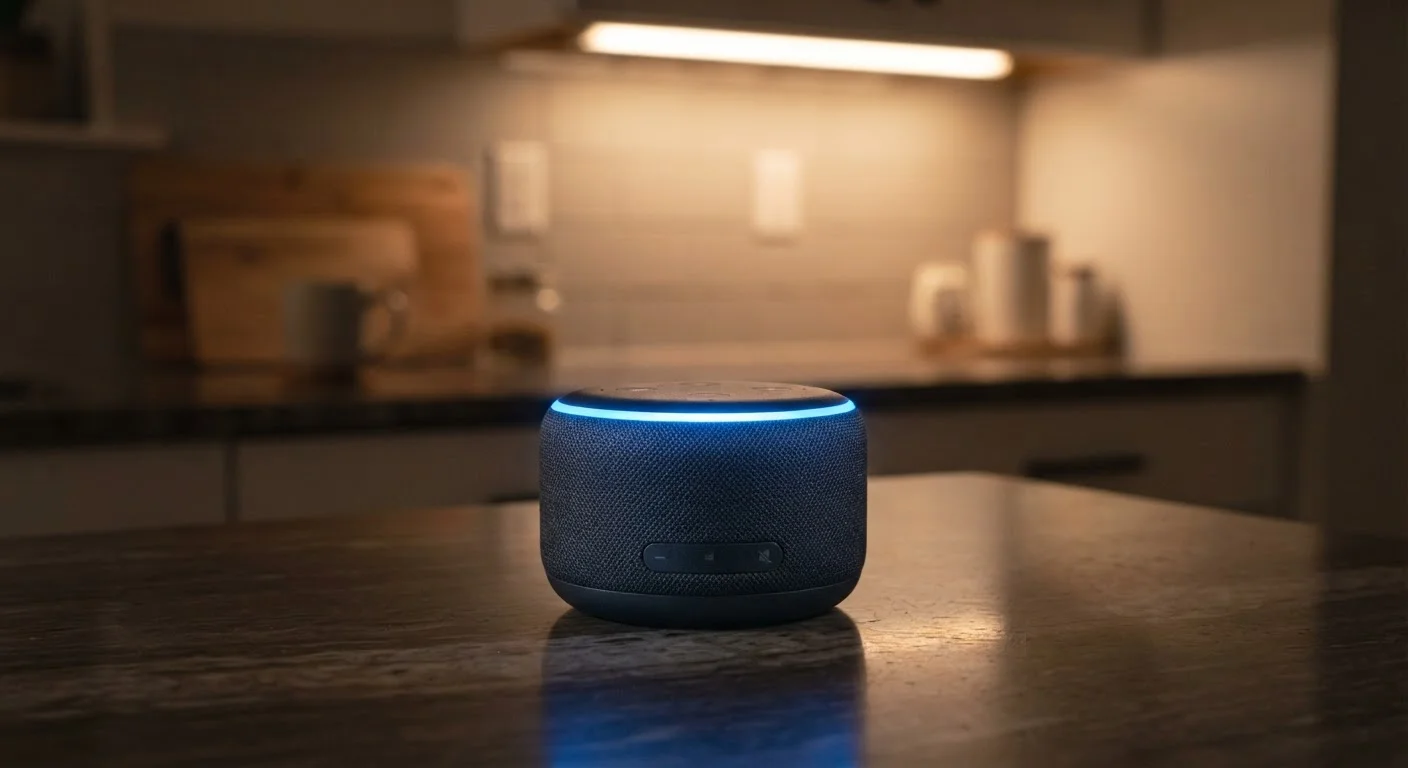
Every smart speaker runs a lightweight, on-device listening model around the clock. This model does one narrow job: watch the incoming audio stream for a phonetic pattern that matches the wake word. Critically, at this stage, no audio is being recorded or sent anywhere - the device is performing local pattern recognition only.
Once the wake word is detected, behavior changes immediately. The device activates its full microphone, begins recording, and transmits that audio clip to the manufacturer's cloud servers. There, natural language processing interprets your request and sends a response back to the speaker. The entire round-trip typically takes under two seconds.
The privacy exposure lives in that cloud step. The audio clip - your voice, captured in your home - now exists on a remote server, logged to your account, and subject to that company's data retention and usage policies. For a deeper look at how your smart speaker fits into the wider network of connected home devices, see how devices talk to each other.
Policies Differ Across Platforms
Each smart speaker manufacturer - and each third-party skill developer - operates under its own privacy policy. Retention periods, human review practices, and deletion options vary meaningfully between platforms. Consulting the privacy policy and app settings for your specific device is the most reliable way to understand what applies to you.
False Activations: When the Speaker Mishears
Wake word detection is not perfect. Words or phrases that sound phonetically similar to the trigger phrase can fool the on-device model. When this happens, the speaker activates unintentionally - recording and uploading a snippet of ambient conversation or background audio that you never meant to share.
Most manufacturers acknowledge this reality and have built review mechanisms into their apps specifically because of it. The practical implication is straightforward: if you have owned a smart speaker for any length of time, there is a reasonable chance your account contains recordings you did not consciously initiate.
1 in 10
Activations that may be false triggers
Research published by academic teams studying commercial smart speakers has found that unintended activations can represent a meaningful share of total activations, varying by device and ambient environment.
Billions
Voice queries processed annually by major platforms
Industry analysts estimate major smart speaker platforms collectively process billions of voice interactions each year, underscoring the scale of audio data handled by these services.
What Companies Do With Your Voice Data
Recorded audio clips serve several documented purposes. First, they are used to fulfill your request - the obvious function. Second, many platforms use recordings to train and refine their voice recognition models, meaning human reviewers at the company may listen to a small, anonymized sample of audio. This practice is disclosed in privacy policies, though it is rarely front of mind for users at setup.
Third, if you use third-party skills or actions - mini-apps built by outside developers that run on the speaker platform - those developers may receive data relevant to their service. The scope of what is shared varies by platform and by the individual skill.
“The microphone is always on in some sense - that's the nature of always-on voice activation. The real question is what the system does with what it hears, and users deserve transparency about that pipeline.”
— Florian Schaub, Associate Professor, School of Information, University of Michigan, whose published research addresses voice assistant privacy
Practical Steps to Reduce Your Exposure
You do not need to unplug your smart speaker to use it more safely. Several adjustments meaningfully reduce the data footprint without eliminating the device's usefulness.
- Use the hardware mute switch. Engaging the physical mute button disconnects the microphone at the hardware level. Use it when you want guaranteed silence - during sensitive calls, conversations, or when guests are present.
- Review and delete your voice history regularly. Open the companion app, navigate to the privacy or history section, and audit what has been stored. Most platforms make deletion straightforward once you find the menu.
- Set auto-delete preferences. Many platforms now allow recordings to be automatically deleted after 3 or 18 months. Enabling the shorter window limits how long data persists.
- Opt out of human review where possible. Some platforms offer a setting to exclude your recordings from manual review programs. Check your app's privacy settings.
For a broader look at privacy-protective settings many device owners overlook, the guide on everyday tech settings most people never change covers practical adjustments across phones, laptops, and smart devices. You may also want to read about keeping smart home devices secure after setup to make sure your speaker's surrounding network is equally protected.
Quick Privacy Check: Two Minutes in Your App
Open your smart speaker's companion app and navigate to Settings > Privacy or History. From there, enable auto-delete (set to three months if available), review any stored recordings, and check whether your account is enrolled in any human review programs. These three steps take under two minutes and give you meaningful control over what data is retained.
Frequently Asked Questions
No - smart speakers are designed to process audio locally for the wake word without recording or transmitting it. Recording and cloud upload begin only when the device detects the trigger phrase. However, false activations do occur, which can lead to brief, unintended recordings being sent to servers.
Each platform offers a companion app where you can review and delete stored voice recordings. You can usually delete individual clips, all recordings from a date range, or your entire history. Some devices also accept voice commands like 'delete everything I said today.'
Policies vary by manufacturer. Most major platforms state they use recordings to improve their voice AI and may share anonymized data with third-party skill or action developers. Reviewing the privacy policy of your specific device gives you the clearest picture.
Yes - when the hardware mute button is engaged, it physically disconnects the microphone circuit on most devices, meaning audio cannot be captured regardless of software state. This is generally considered the most reliable privacy safeguard available on smart speakers.
Many platforms now offer settings to prevent voice recordings from being saved or to auto-delete them after a short window (such as 3 or 18 months). These settings are typically found in the privacy or data sections of the companion app, and enabling them is a straightforward step most users skip.
The content on this site is provided for informational purposes only and should not be considered a substitute for professional advice. While we strive to provide accurate and up-to-date information, we make no guarantees regarding its completeness or accuracy. Always consult a qualified professional for advice specific to your circumstances before making any decisions.