

What the Numbers Actually Mean
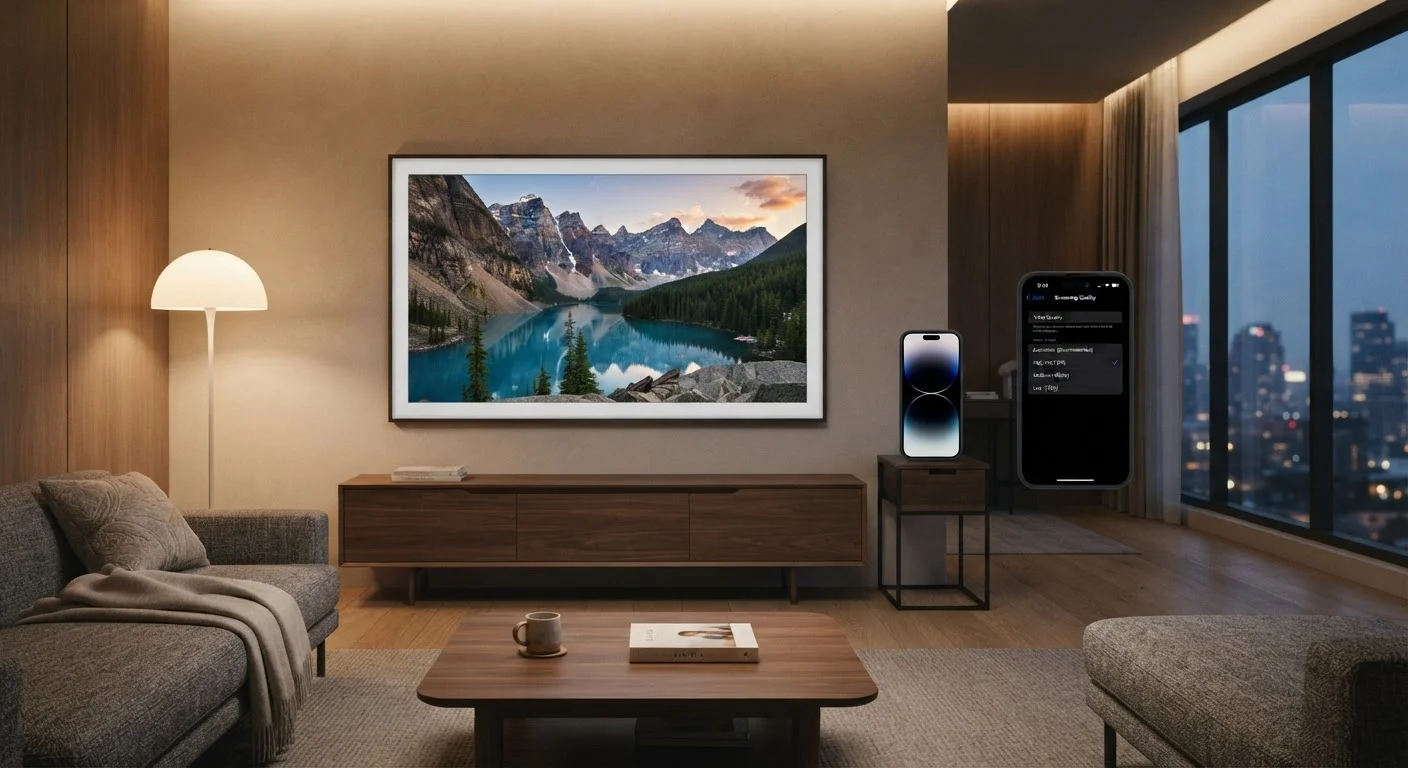
When a streaming app offers options like 480p, 720p, 1080p, or 4K (2160p), those numbers describe vertical pixel count - the number of horizontal rows of pixels that make up the image. A 1080p image has 1,920 columns and 1,080 rows of pixels. A 4K image quadruples that to roughly 3,840 × 2,160 pixels.
More pixels means finer detail - but only up to the limits of your screen size and how far you sit from it. A 65-inch television viewed from eight feet away can reveal a meaningful difference between 1080p and 4K. The same comparison on a laptop screen from two feet away may show little to no visible difference.
Alongside resolution, bitrate determines how much data is used to encode each second of video. Two streams at 1080p can look dramatically different if one uses 5 Mbps and another uses 15 Mbps - the higher bitrate preserves finer gradients, faster motion, and shadow detail. Understanding both dimensions helps you see why "HD" alone doesn't tell the full story. For context on how display technology itself affects what you see, our guide to refresh rates explains another key spec that shapes the viewing experience.
The Data Cost of Each Quality Tier
Data consumption scales sharply as resolution increases. The table below reflects general industry ranges - actual figures vary by platform and compression codec:
| Quality Setting | Approximate Data Per Hour |
|---|---|
| 480p (SD) | 0.3 - 0.7 GB |
| 720p (HD) | 0.9 - 1.5 GB |
| 1080p (Full HD) | 3 - 5 GB |
| 4K (Ultra HD) | 7 - 25 GB |
A household that streams two hours of 4K content daily could consume 420-1,050 GB in a single month - before accounting for any other internet activity. If your internet plan carries a data cap, quality settings are directly tied to your monthly bill. Reading your ISP plan's fine print carefully can reveal whether overage fees apply once you cross that cap.
7-25 GB
Data used per hour at 4K quality
General industry estimates vary by platform codec; Netflix reports approximately 7 GB/hr for 4K HDR using its efficient compression format.
4x
Pixel count increase from 1080p to 4K
A 4K image contains roughly four times as many pixels as a 1080p image, requiring significantly higher bitrate to stream.
~0.5 GB
Data used per hour at 480p (SD)
Standard definition streaming uses a fraction of the bandwidth of HD or 4K, making it practical for limited data plans.
Mobile Streaming and Wireless Plans
On a cellular connection, the data stakes are even higher. Mobile plans often carry strict data caps or deprioritization thresholds - the point at which your speeds may be slowed during network congestion. Streaming a single 90-minute film at 1080p over cellular could use 7 GB or more, a substantial portion of many standard plan allotments.
Most streaming apps let you configure separate quality preferences for Wi-Fi and cellular networks. Setting cellular playback to 480p or 720p can dramatically extend how far your data goes without meaningful quality loss on a phone-sized screen. To understand how your wireless plan handles heavy data use, see the difference between data deprioritization and hard throttling.
Set Mobile Quality Before You Travel
Before a trip or commute, open your streaming app's settings and cap mobile quality at 720p or lower. This simple step can cut your hourly data use by more than 80% compared to automatic 4K, helping you stay within your plan's threshold. On a small screen, the visual trade-off is often imperceptible.
How to Find and Change Quality Settings
Each major platform handles quality settings differently, but the logic is consistent. Settings are typically found under Account, Playback Settings, or within the in-app video player itself. Changes to account-level settings apply globally to all streams on that profile; in-player changes usually apply only to the current session.
A few practical points to keep in mind:
- Auto mode adjusts resolution dynamically based on your connection - useful but unpredictable in quality.
- Manual high quality forces the platform to maintain resolution but requires a consistently fast connection. Understanding how much speed your household actually needs can help you gauge whether your plan supports sustained 4K playback.
- Download quality (for offline viewing) is a separate setting and should also be adjusted if storage space or download data are concerns.
Finding the right balance between quality and data use is less about finding the single "correct" setting and more about matching your habits, your screen, and your plan to each other.
Frequently Asked Questions
4K streaming typically uses between 15 and 25 gigabytes (GB) per hour, depending on the platform and its compression method. Netflix, for instance, uses approximately 7 GB per hour for 4K with HDR when using its more efficient codec. Standard HD (1080p) generally uses 3-5 GB per hour by comparison.
On most platforms, audio quality is tied separately to the plan tier rather than the video quality slider. However, some platforms do reduce audio bitrate at the lowest video quality settings. Check the platform's support documentation for specifics on your subscription.
Yes. Most major streaming apps - including Netflix, Disney+, and HBO Max - allow you to set separate quality preferences for cellular and Wi-Fi connections. This is useful for protecting your mobile data while still enjoying high quality at home.
Often, yes. Buffering typically occurs when the incoming data stream exceeds what your connection can reliably deliver. Reducing quality lowers the required bitrate, which reduces or eliminates buffering on congested or slower connections.
No. Auto quality means the platform continuously adjusts resolution based on your current connection speed. During peak hours or on a slower connection, Auto may deliver 480p or 720p even if your plan supports 4K. Manually setting quality forces a consistent output.
On a screen smaller than 6 inches, the visual difference between 720p and 1080p is minimal for most viewers. Watching at 1080p or 4K on a small phone primarily increases data use without a clearly perceptible quality gain, making lower settings a practical choice.
The content on this site is provided for informational purposes only and should not be considered a substitute for professional advice. While we strive to provide accurate and up-to-date information, we make no guarantees regarding its completeness or accuracy. Always consult a qualified professional for advice specific to your circumstances before making any decisions.