

Why Coverage Maps Lie (and What to Do About It)
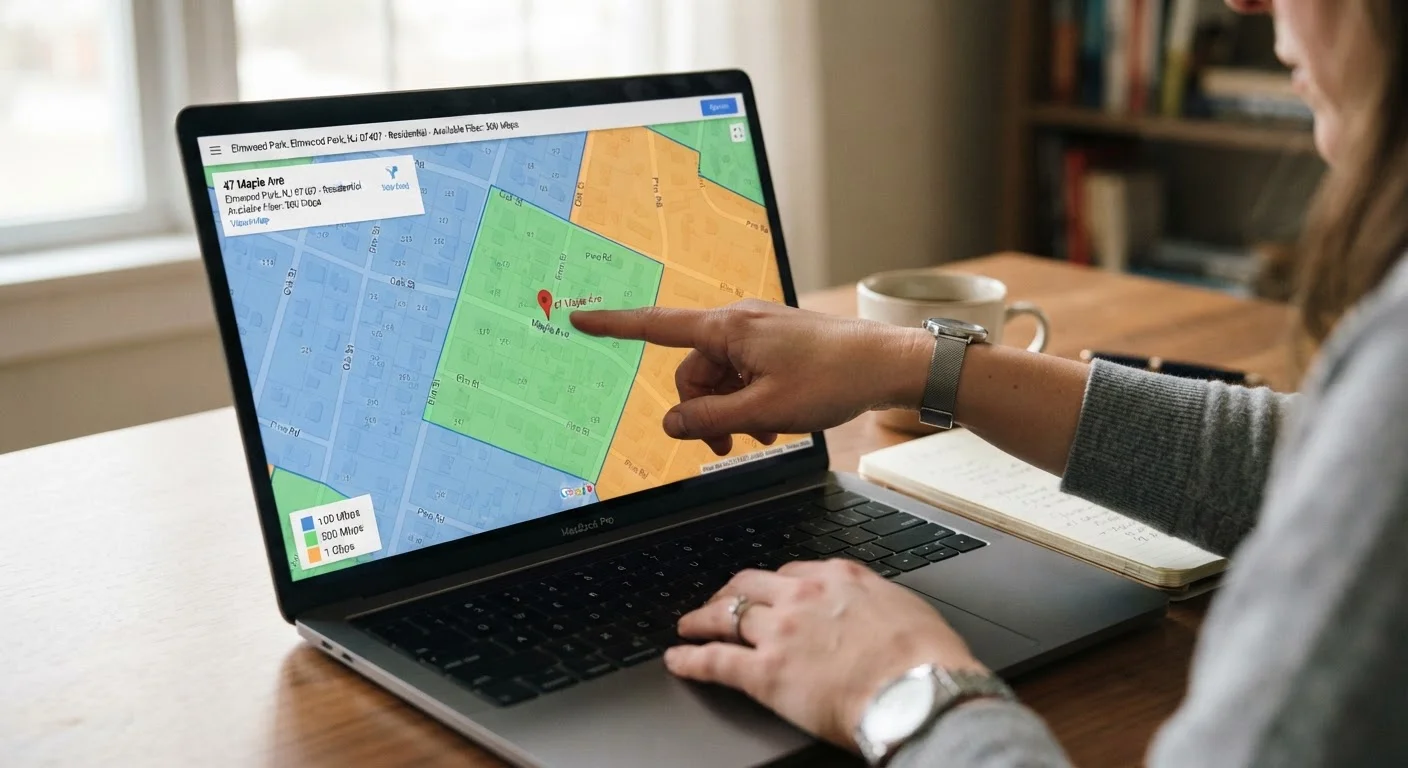
Broadband coverage maps are built from data that ISPs self-report, typically at the census-block level. That means if one address in a block receives service, the entire block may appear covered - even if your home is physically on the wrong side of a node boundary, too far from a DSLAM (the equipment that connects DSL lines to the broader network), or simply never had a line pulled to it.
The result: a map can show your address as served by fiber when the closest fiber drop is two streets over. Understanding which technology type genuinely reaches your home is essential, because fiber, cable, DSL, fixed wireless, and satellite each behave very differently in real-world use. For a plain-language breakdown of what each technology means for your daily connection, see our guide to home internet connection types.
The steps below cut through the marketing layer to help you confirm what's actually available at your address before you spend time applying - or sign a contract with an early termination clause.
What you will need
How to Verify Internet Availability at Your Address
Work through these steps in order. Each one adds a layer of confirmation that the previous step may not catch.
Start with the FCC Broadband Map
Go to broadbandmap.fcc.gov and enter your full address. The FCC map aggregates provider-reported data at the location level and breaks results down by technology type - fiber, cable, DSL, fixed wireless, and satellite - along with maximum advertised download and upload speeds for each.
This is the most comprehensive starting point available to consumers. Note every provider and technology type listed, but treat these as candidates to verify, not confirmed service.
Run each ISP's own address-check tool
For every provider the FCC map lists, visit that ISP's website and use its official service-availability checker. Enter your address exactly as it appears on official mail - abbreviations and missing apartment numbers can produce false negatives.
Record what each ISP's tool returns: the technology type it's offering you (not just the plan name), the speeds quoted, and whether installation requires any waiting list or construction. ISP-specific tools sometimes show more granular availability than the FCC map does.
Call the ISP's provisioning or sales team directly
Online tools are automated and can be wrong. Call each ISP you're seriously considering and ask their provisioning or sales team to look up your address in their internal system. Use precise language: ask whether your address is currently serviceable with the technology type shown, and whether any construction or line extension would be required before installation.
Keep notes: the representative's name, the date, what technology and speeds were confirmed, and any caveats mentioned. This documentation is useful if a later technician visit reveals a discrepancy.
Ask your neighbors about their actual service
Neighbors within a few houses of your address are your most reliable real-world data point. Ask which provider they use, what technology type it is (fiber, cable, DSL, or fixed wireless), and whether they've had issues with the connection that weren't apparent when they signed up.
A neighbor running the same technology from the same ISP and reporting stable service is a strong signal that you'll be able to get it too. Conversely, a neighbor who was promised fiber and received DSL is a warning worth heeding.
Check state broadband maps for additional providers
Many states maintain their own broadband availability databases, sometimes with more current or precise data than the federal map. Search for your state's name plus 'broadband map' or 'broadband office' to find it. These maps occasionally surface smaller regional ISPs and fixed-wireless providers that don't appear prominently in national databases.
Rural electric cooperatives and municipal broadband networks, in particular, tend to be underrepresented in national tools but may serve your address.
Document your verified options before contacting any provider
Compile everything you've gathered into a simple list: provider name, technology type, maximum confirmed speeds, and any installation caveats. This gives you a factual baseline for evaluating plan offers and prevents you from being upsold on a technology that isn't actually available at your address.
For a full picture of how this decision fits into everything else involved in getting home internet set up, see the comprehensive home internet guide.
Don't Rely on a Single Source
No single tool - not even the FCC map - guarantees accuracy at the individual address level. ISP data is self-reported and updated on a lag. Running multiple checks and speaking directly with a provider's provisioning team is the only way to confirm what will actually work at your home. Signing a contract based solely on a coverage map, and then discovering the technology isn't available, can leave you facing early termination fees.
After You've Confirmed Availability: Next Steps
Once you have a verified list of technology types and providers that reach your address, the work shifts to evaluating plans. Advertised speeds, data caps, equipment fees, and introductory pricing all deserve scrutiny before you commit. Our article on reading ISP plan fine print walks through exactly what to look for in a service agreement.
If you're replacing an existing provider rather than setting up service for the first time, the process involves a few additional steps - timing cancellation, returning equipment, and avoiding a gap in service. The guide to switching internet providers covers that in full. And once you've chosen a plan, setting up your new home internet connection walks you through everything from order confirmation to whole-home signal coverage.
This article provides general informational guidance about checking internet availability. Actual service availability, speeds, and plan terms are determined by individual providers and vary by location. Always confirm details directly with the ISP before entering any service agreement.
The content on this site is provided for informational purposes only and should not be considered a substitute for professional advice. While we strive to provide accurate and up-to-date information, we make no guarantees regarding its completeness or accuracy. Always consult a qualified professional for advice specific to your circumstances before making any decisions.